

Run Windows memory diagnostic
The internal components of your computer (such as the RAM sticks) may also malfunction or be damaged, resulting in Windows 11 black screen of death. You may need to run memory diagnostics to find out if it is the cause.
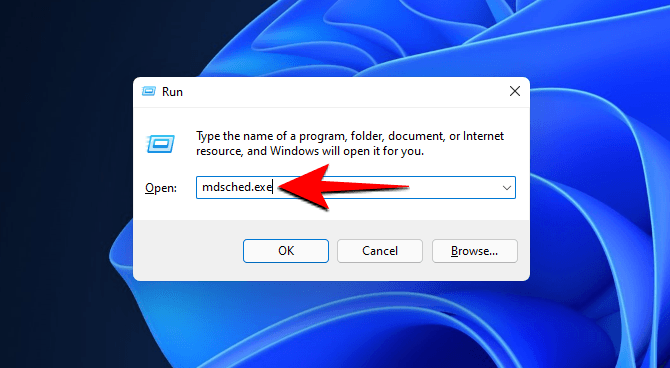
- Press Win+R to open the RUN box, type mdsched.exe, and press Enter.
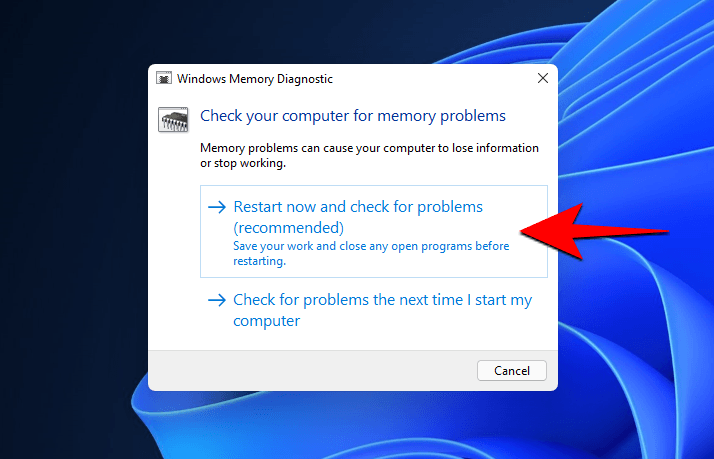
- You will be prompted to restart your computer. Click on Restart now and check for problems (recommended).
- The system will reboot, and the test will initiate. Wait until the test is completed.
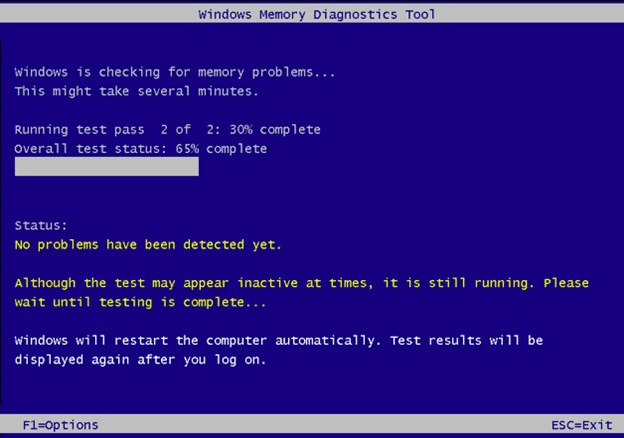
- Once the test is done, restart your PC again and check if the problem is fixed.

